 SMD Creative Solutions
Work
SMD Client Portal — From First Brief to Final Approval
Designed and developed in-house by SMD Creative Solutions. A live, installable client portal that brings project requirements, assets, conversations, approvals, reports, and invoices into one branded workspace.
Challenge
A strong client experience needs more than a good first impression. Once a project begins, requirements, source files, feedback, and billing documents need a clear home.
SMD needed an application that would guide clients from their first brief through ongoing delivery, keep each project’s conversations separate, and make the next action easy to find on a phone or computer.
SMD Reframe
The client experience is part of the work.
We designed the portal around the questions clients actually ask: What do you need from me? Where do I upload it? Which version am I reviewing? What happens next?
The result connects SMD’s cinematic brand identity with practical, project-based workflows—starting with requirements and assets, then continuing through conversations, review, and delivery.
Solution / Execution
Designed, developed, and deployed by SMD Creative Solutions. The application extends our website’s dark visual language, cyan accents, and SMD identity into a responsive client workspace.
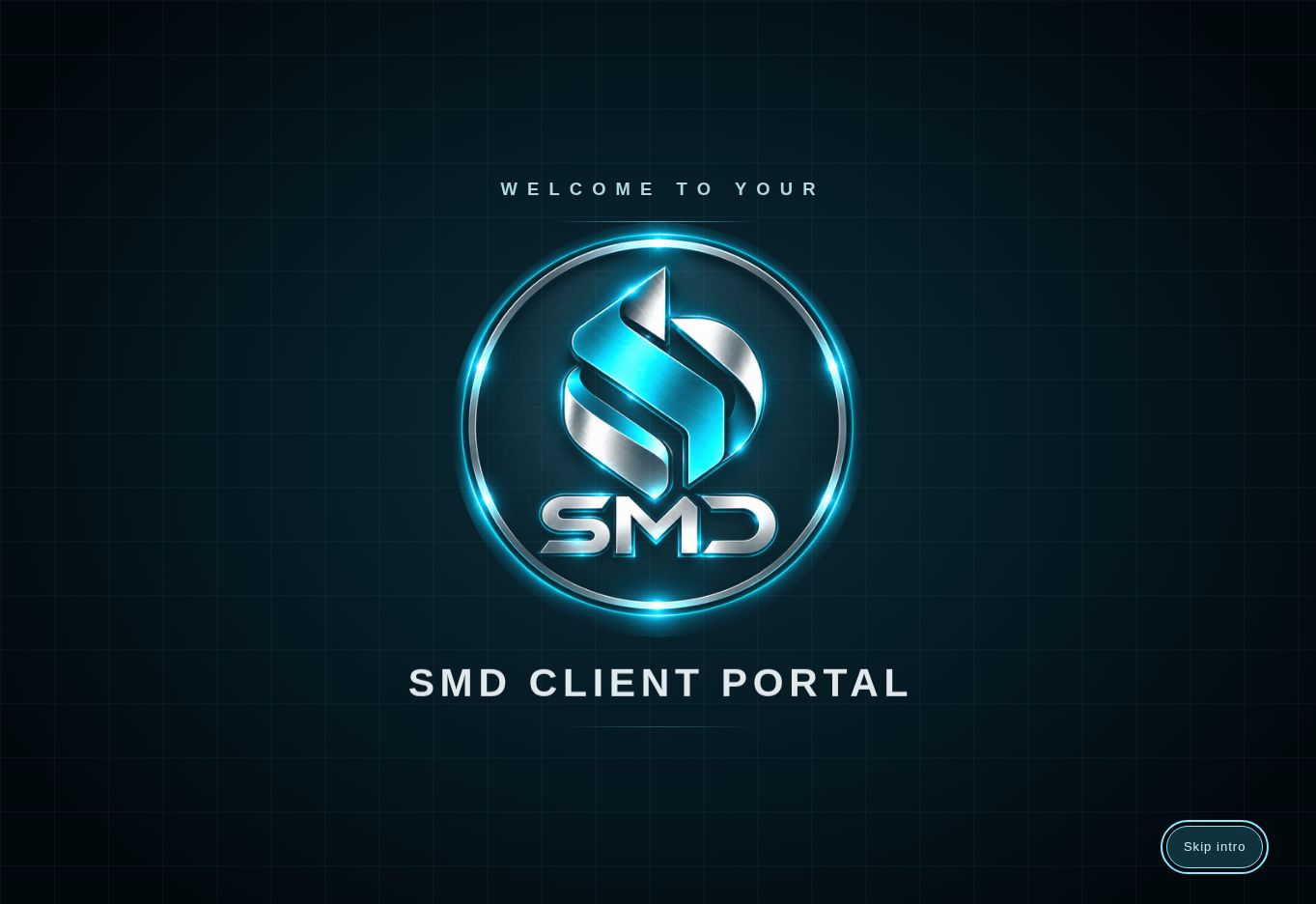
- A branded app experience: an animated welcome screen and optional installation on supported phones and computers, with an SMD icon for returning to the portal.
- Guided project intake: an Overview checklist directs clients to submit requirements PDFs and upload the logos, photographs, and brand files needed for each project.
- Clear review status: requirements move from submitted to reviewed by SMD, with portal notifications linking to the relevant project section.
- Project conversations: separate message threads, unread counts, and green indicators keep feedback connected to the right project.
- Versioned approvals: SMD publishes PDFs for clients to approve or request changes, with decisions attached to the version reviewed. Service agreements use the same review workflow.
- Reports and invoices: clients can preview and download published PDFs and check recorded invoice payment status.
- Controlled administration: invitation-based access, separate client and administrator permissions, private drafts, publishing review checks, and workspace lifecycle controls.
- Help where it is needed: role-specific guides explain uploads, notifications, installation, and everyday tasks.
Built with Next.js and React, Supabase authentication, database and private storage, and deployed through Webflow Cloud.
Results / Evidence
Live application. SMD Client Portal is deployed on our own domain and available to invited clients.
Release testing covered client and administrator workflows, including requirements submission and review, asset uploads and downloads, project messaging and unread indicators, approval revisions, invoice and report previews, notification links, installation, and workspace management.
The hero image shows the application’s actual branded welcome screen. Private client records and files are not displayed in this case study.
Open the live SMD Client Portal →
Workspace access requires an invitation and sign-in. This is an installable web application; an internet connection is required. Invoice payments take place outside the portal.
Live product and functional testing evidence as of October 3, 2026. No adoption, time-saving, revenue, or conversion results are claimed.
Start a Project